































Experience Windows
Powered Up
A variety of tools & add-ons
designed to enhance your Windows experience.
Meet PowerToys
Free, open-source, all-in-one
and ready to go.
Microsoft PowerToys offers over 25 powerful utilities that let you personalize Windows and simplify your daily workflow, from simple tweaks to advanced system tools.
Microsoft PowerToys offers over 25 powerful utilities that let you personalize Windows and simplify your daily workflow, from simple tweaks to advanced system tools.
Meet PowerToys
Free, open-source, all-in-one
and ready to go.
Microsoft PowerToys offers over 25 powerful utilities that let you personalize Windows and simplify your daily workflow, from simple tweaks to advanced system tools.
PowerToys Settings
Search for settings
Home
General
System Tools

Windowing & Layouts
NEW

Input & Output
NEW
File Management

Advanced
Welcome to PowerToys
What's new
Give feedback
Home

Learn what's new
v0.99.1
Quick Access
Color Picker
Command Palette
Environment Manager
FancyZones
Host File Editor
PowerToys Run
Text Extractor
Registry Editor
Screen Ruler
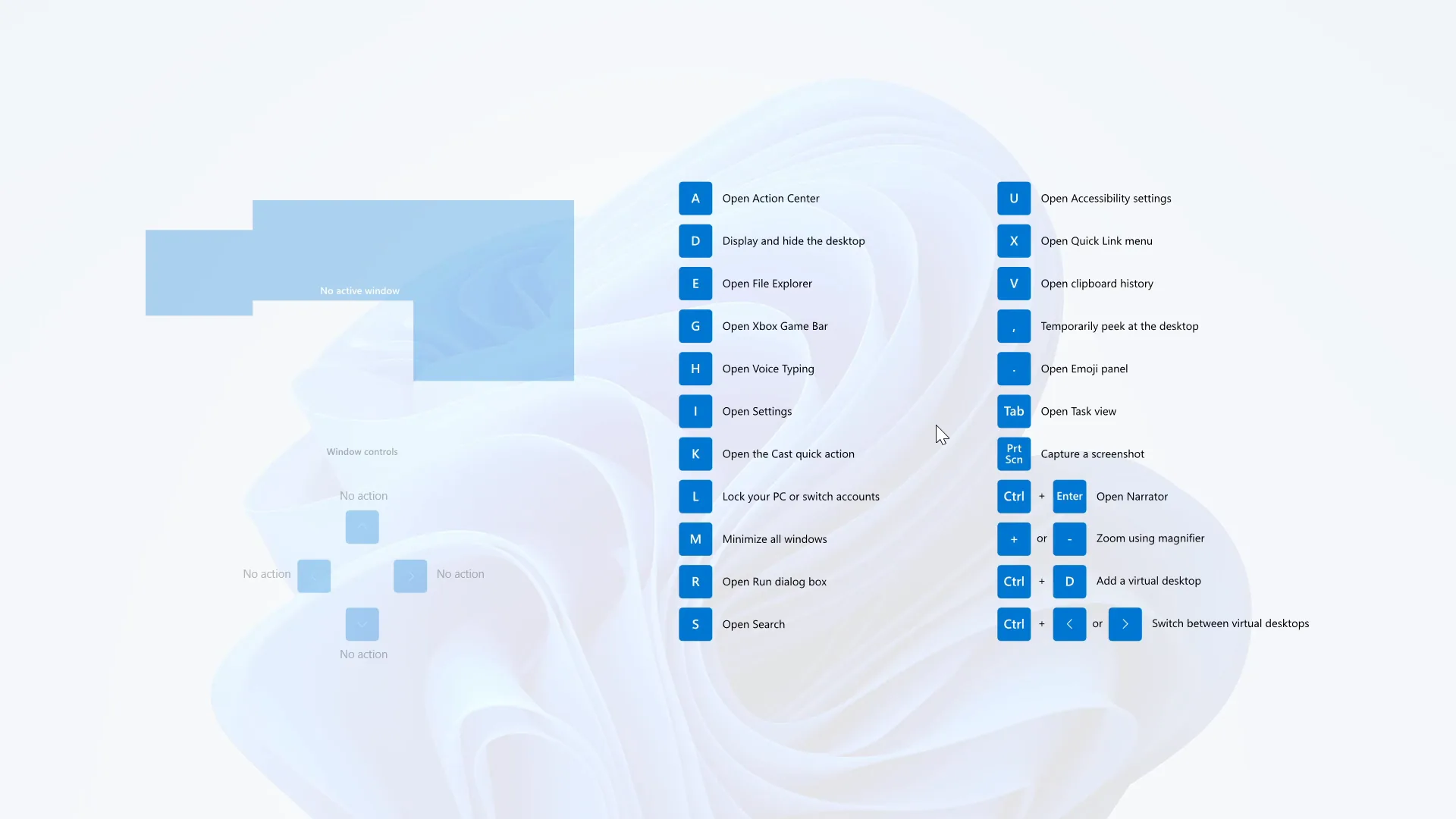
Shortcut Guide
Workspaces
Shortcuts
Open Advanced Paste window
Ctrl
A
Paste as plain text directly
Ctrl
Alt
V
Activation shortcut
Ctrl
T
Increase opacity
Ctrl
=
Decrease opacity
Ctrl
-
Pick a color
C
Open Command Palette
Alt
Space
Crop and create a thumbnail
Ctrl
T
Crop an app's window into a cropped window
Ctrl
R
Crop an app into a screenshot window
Ctrl
S
Activate zones
Hold Shift Key.
Open editor
'

Draw crosshairs centered on the mouse pointer
Alt
P
Preview file
Space
Open Run
Alt
Space
Start measurement
M
Open Shortcut Guide
;
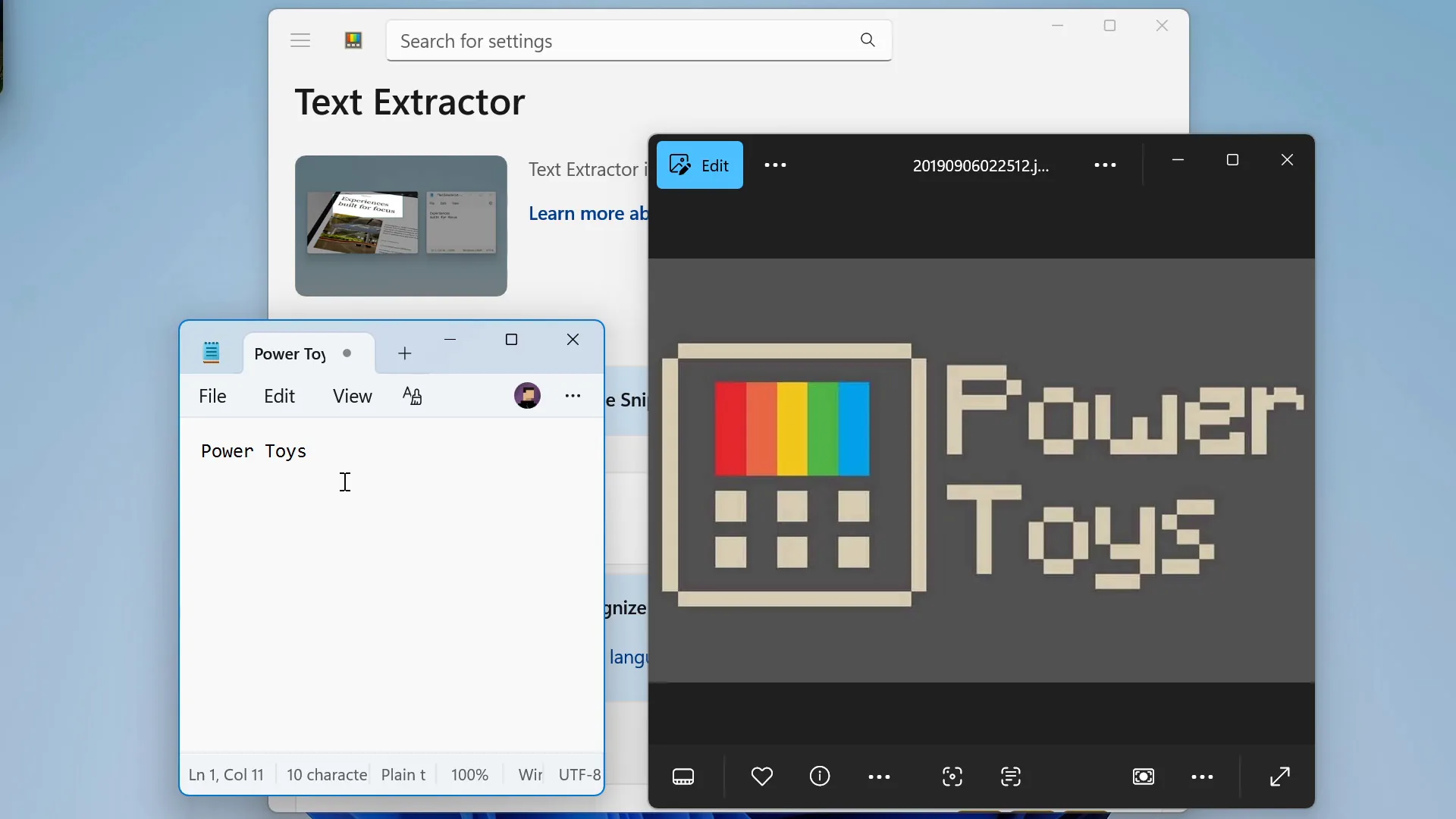
Start text extraction
T
Open editor
Ctrl
'
Utilities
Advanced Paste
Always On Top
Awake
Color Picker
Command Palette
Crop And Lock

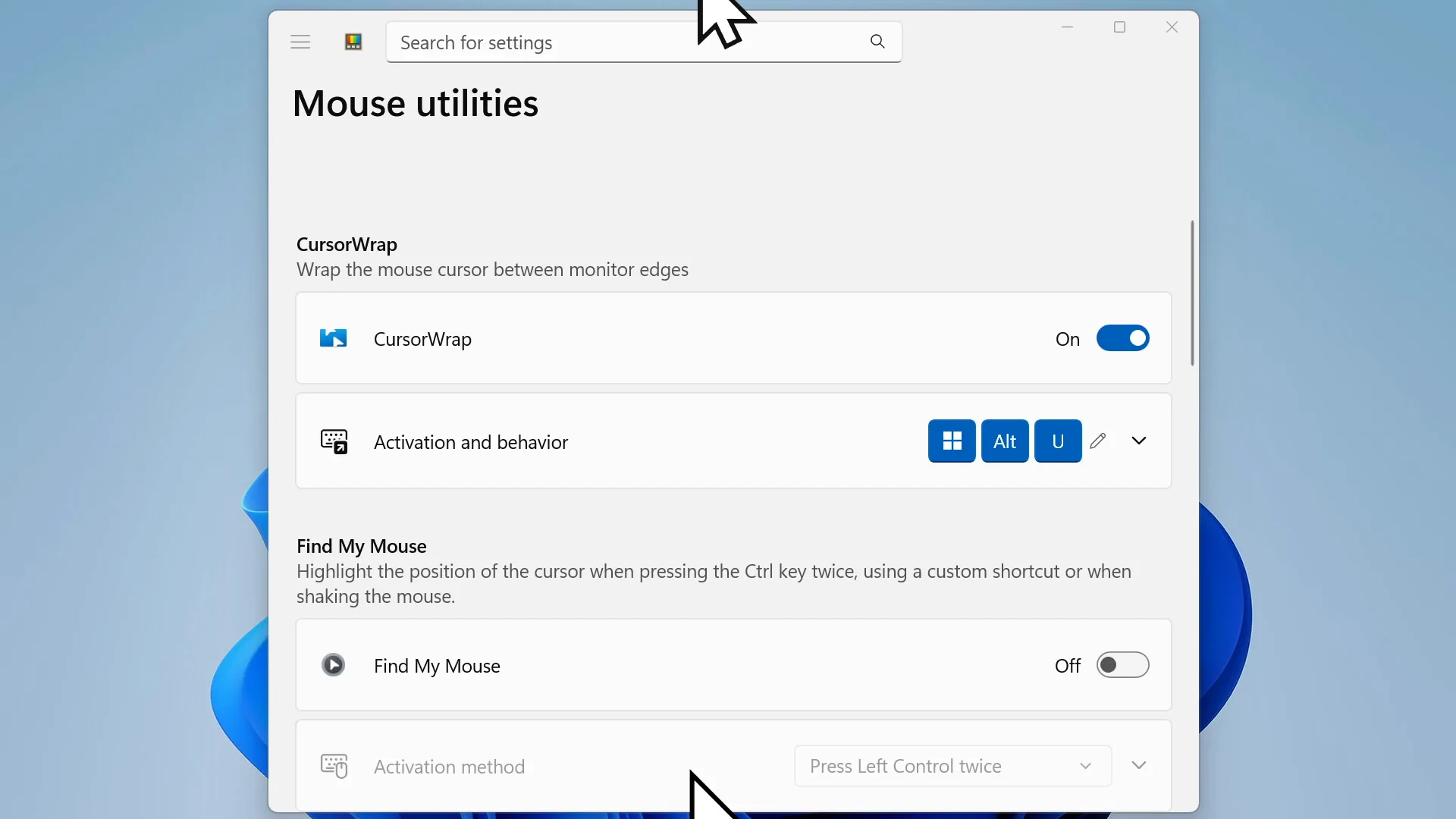
CursorWrap
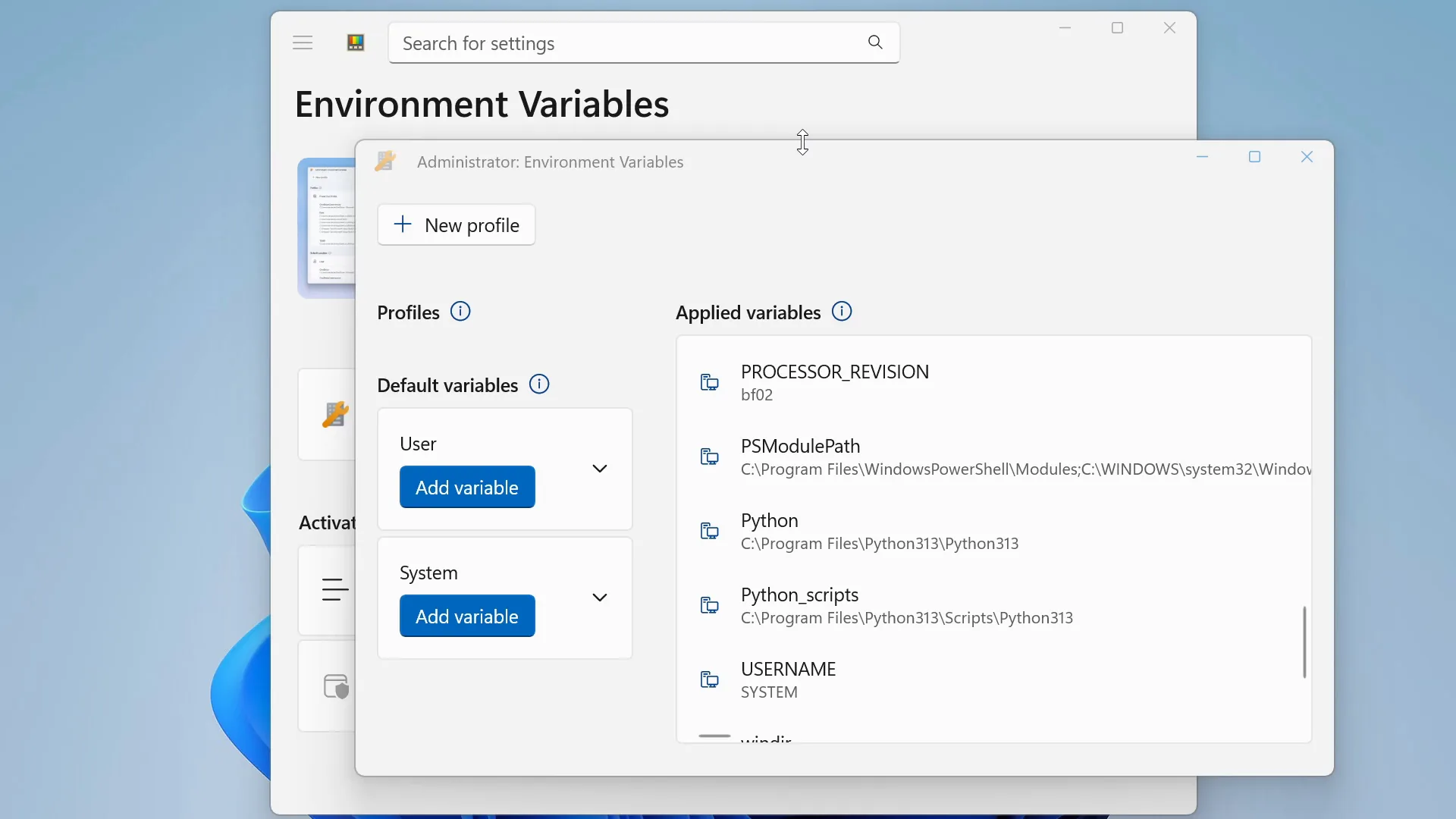
Environment Variables
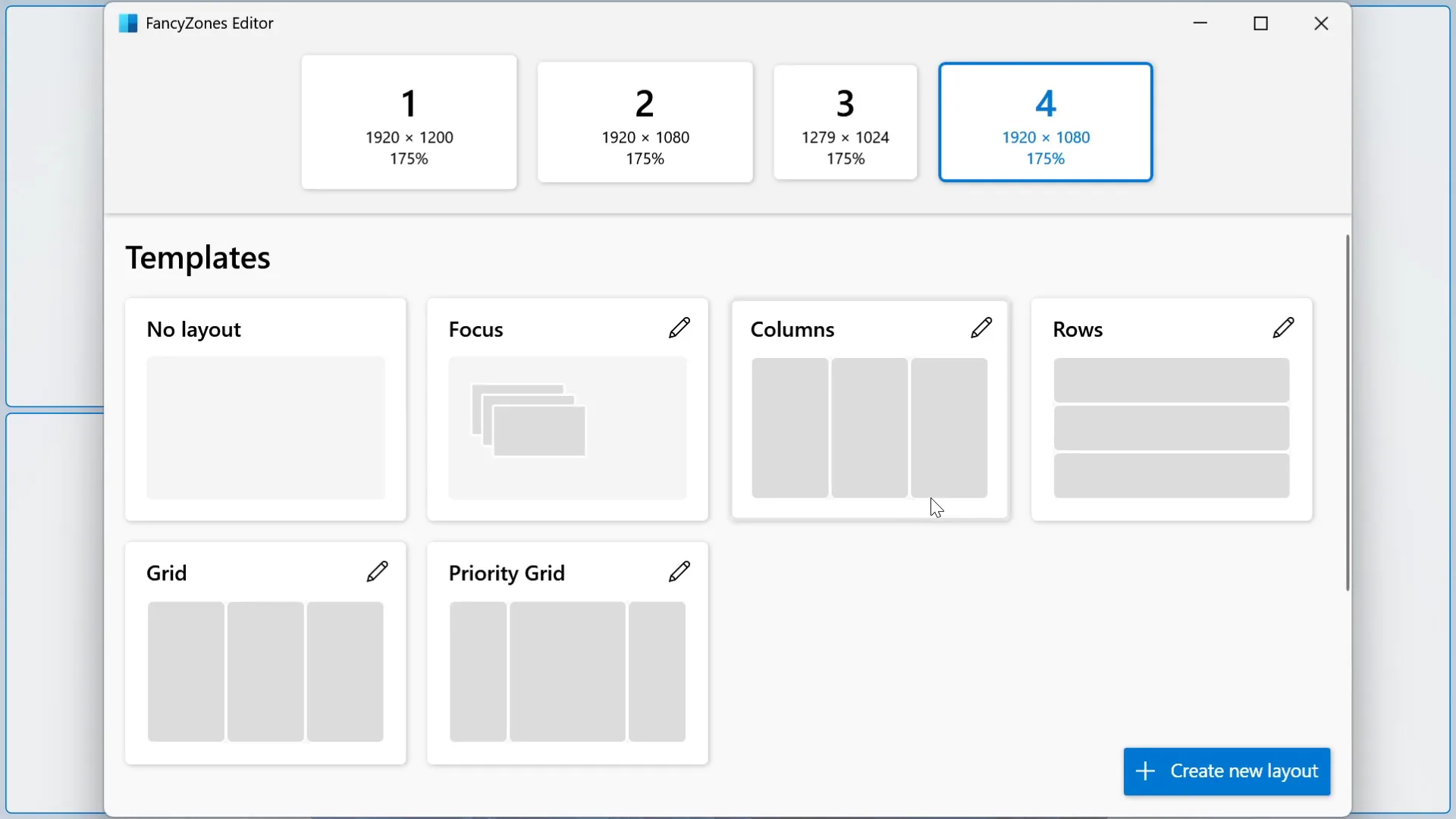
FancyZones
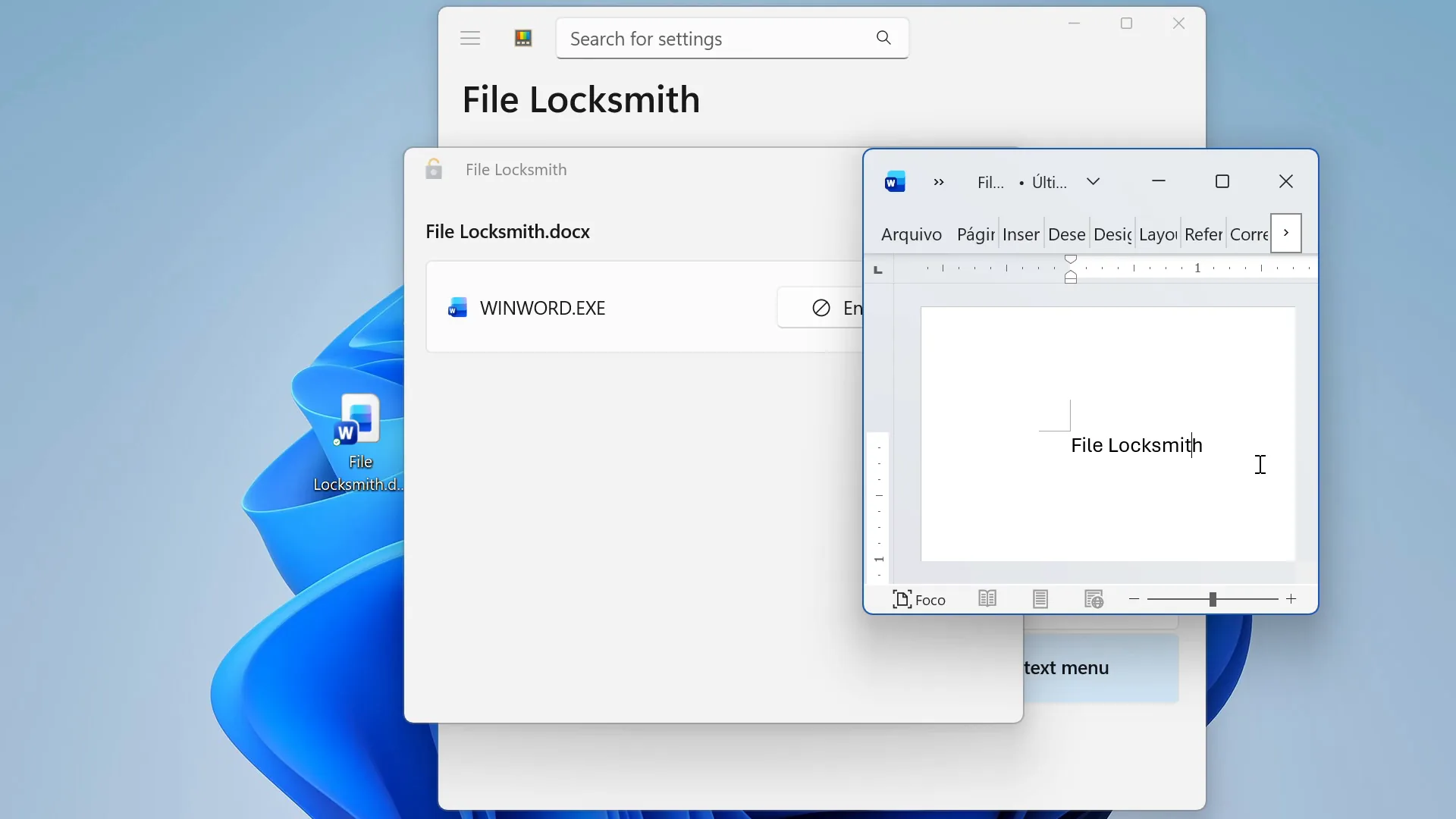
File Locksmith
Find My Mouse
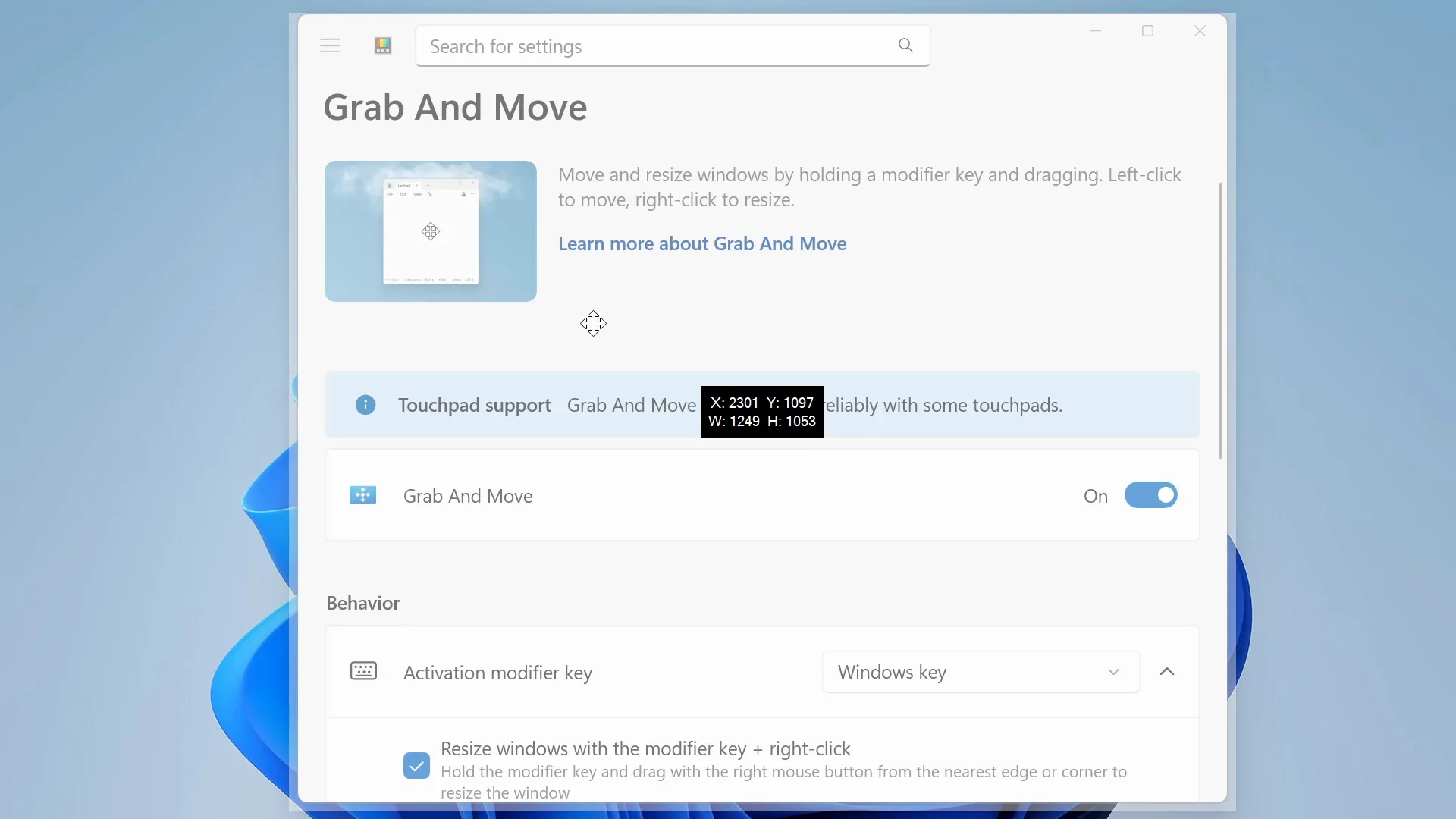
Grab And Move
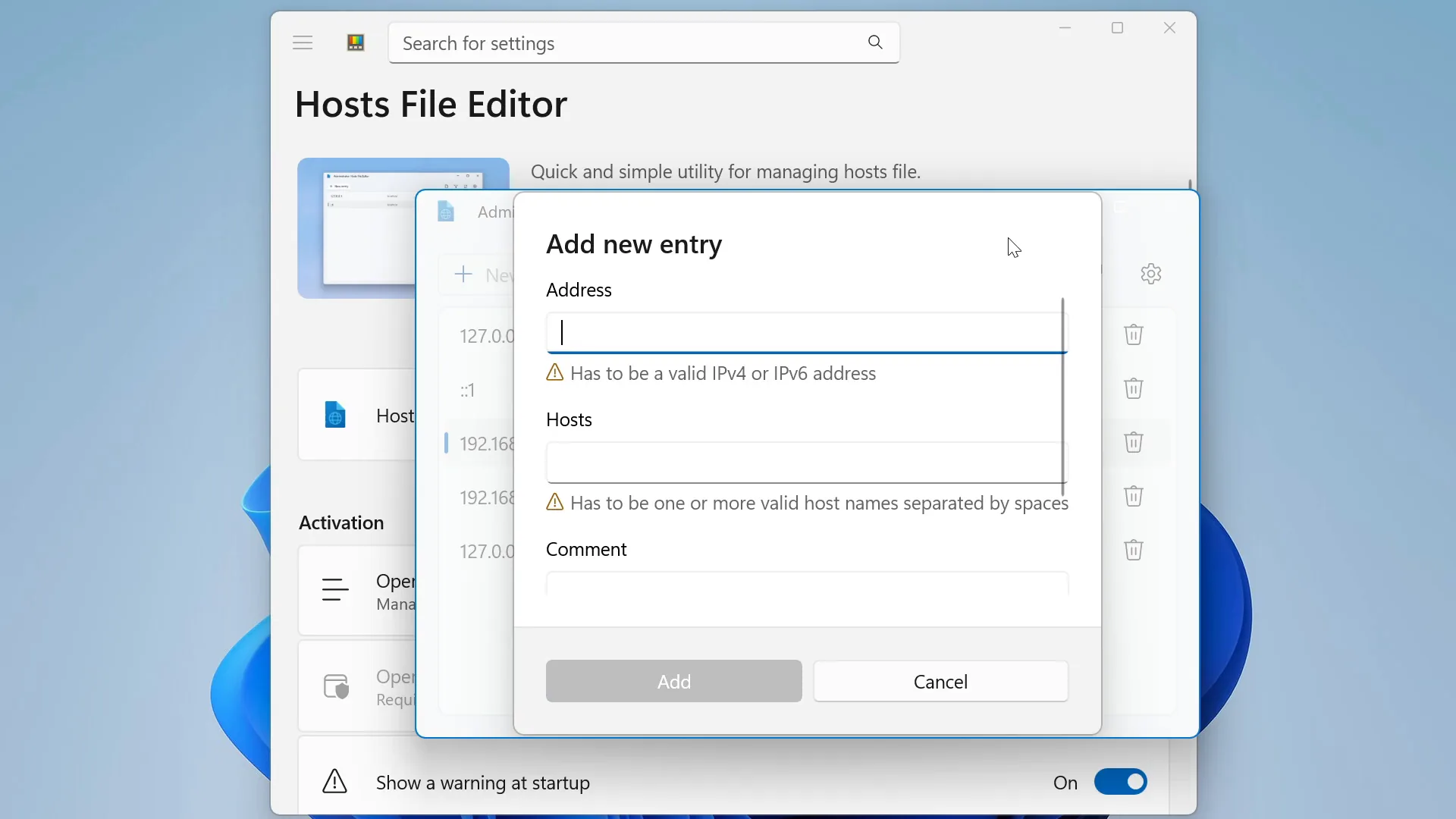
Host File Editor
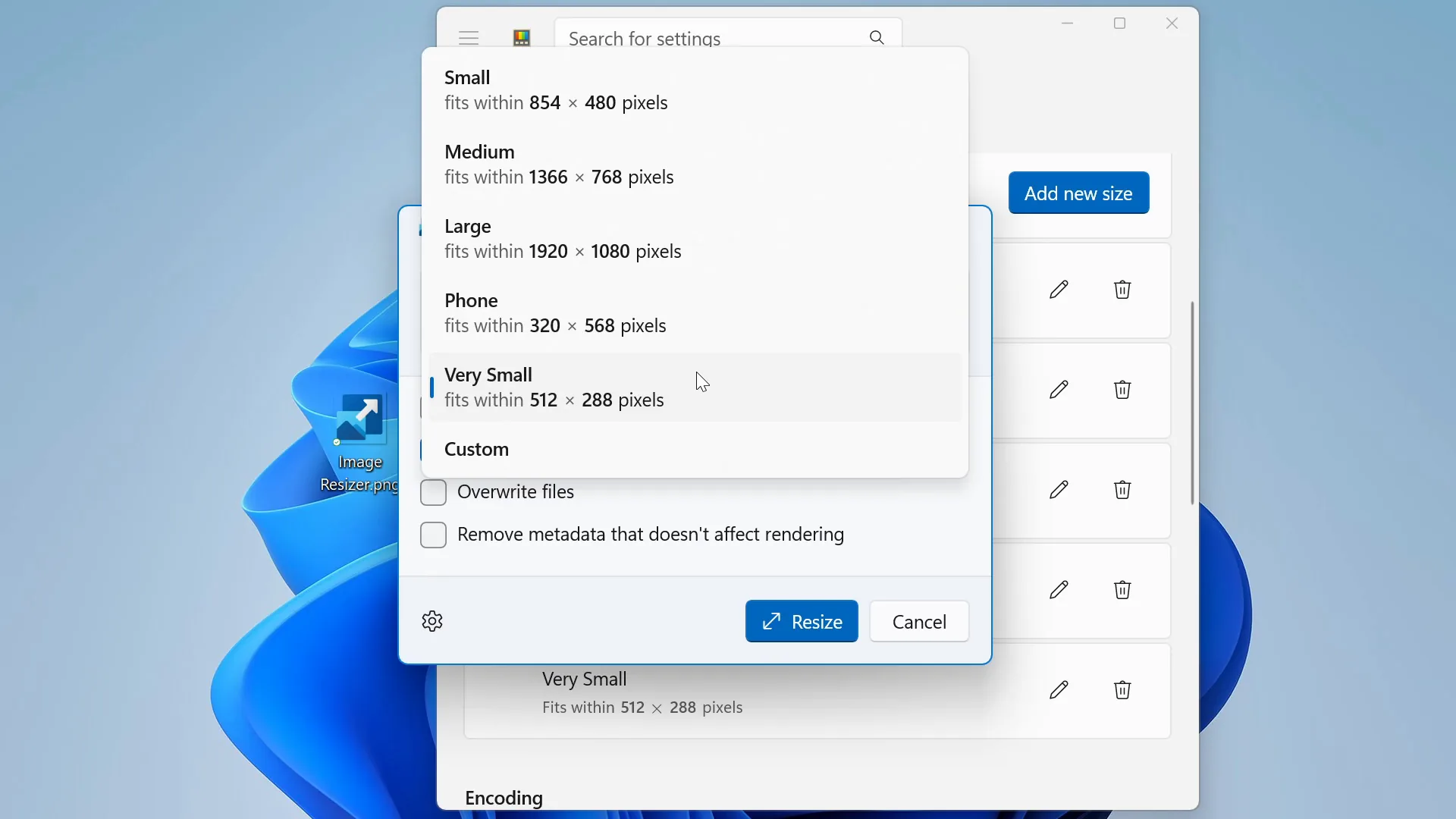
Image Resizer
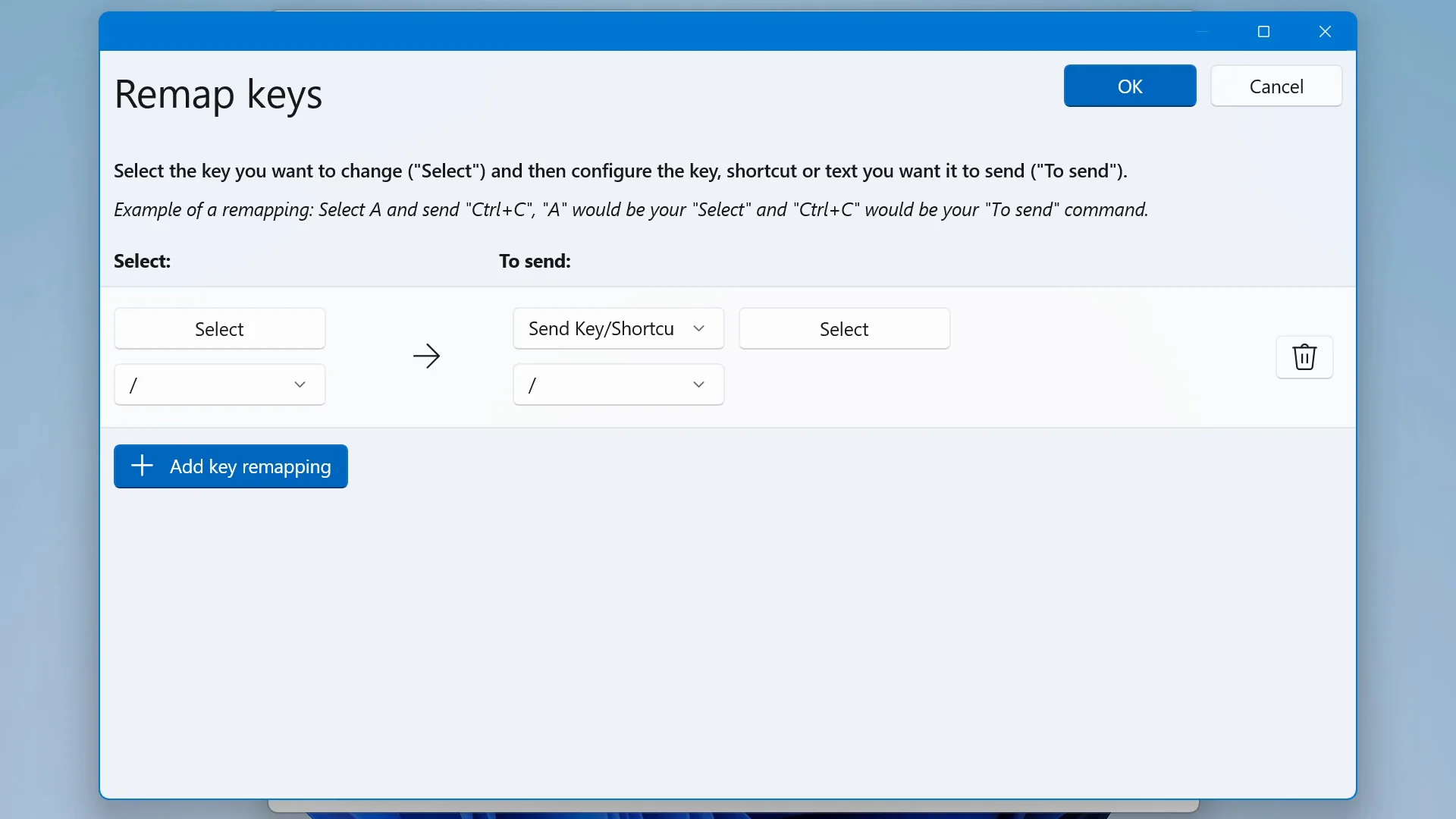
Keyboard Manager
Light Switch

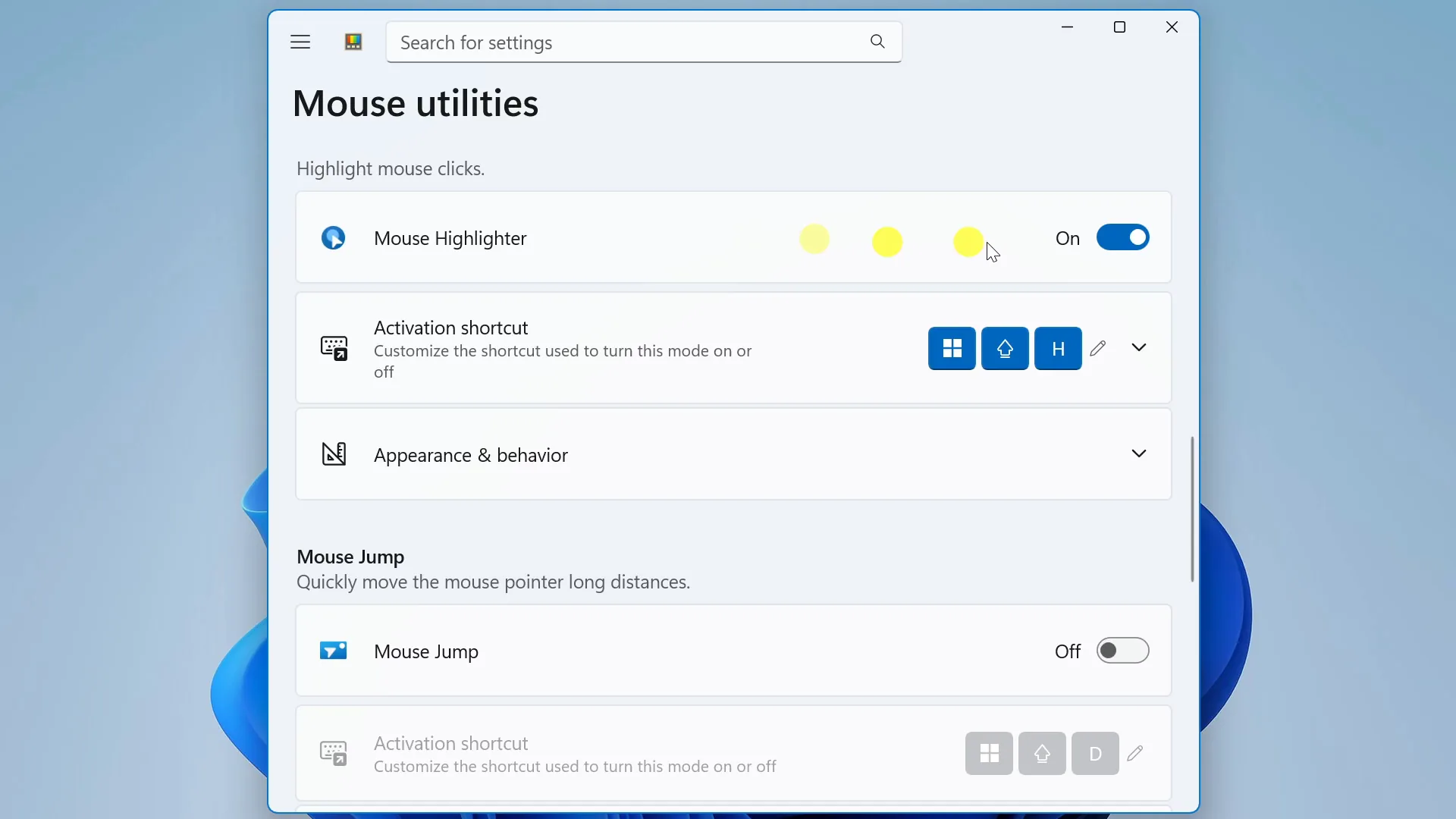
Mouse Highlight
Mouser Without Borders
New+
Peek
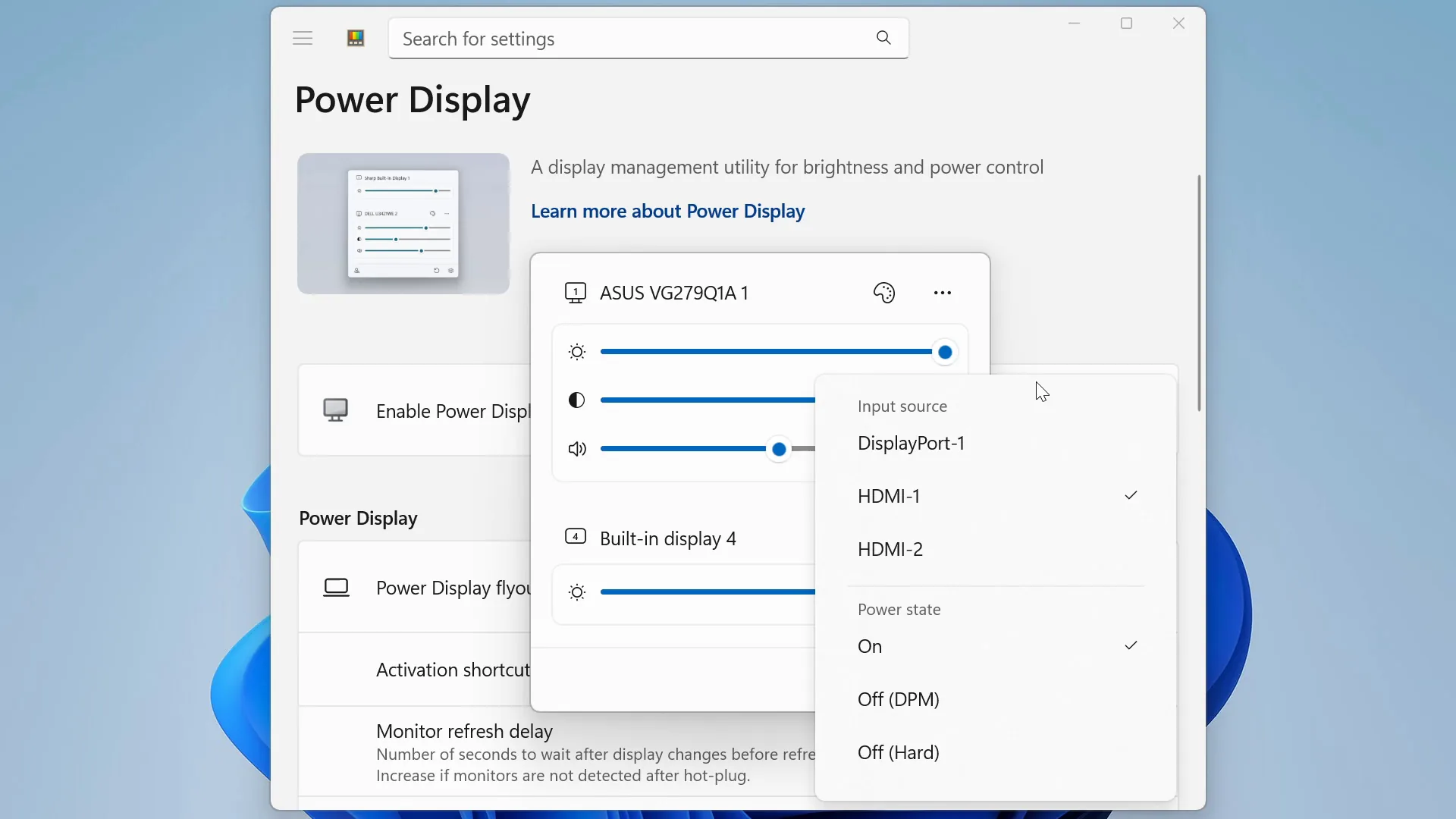
Power Display
PowerRename
PowerToys Run
All Apps
Quck Accent
Registry Preview
Advanced Paste
Shortcut Guide
Text Extractor
Workspaces
ZoomIt
Search for settings
Home
Learn what's new
v0.99.1
Quick Access
Color Picker
Command Palette
Environment Manager
FancyZones
Host File Editor
PowerToys Run
Text Extractor
Registry Editor
Screen Ruler
Shortcut Guide
Workspaces
Shortcuts
Open Advanced Paste window
Ctrl
A
Paste as plain text directly
Ctrl
Alt
V
Activation shortcut
Ctrl
T
Increase opacity
Ctrl
=
Decrease opacity
Ctrl
-
Pick a color
C
Open Command Palette
Alt
Space
Crop and create a thumbnail
Ctrl
T
Crop an app's window into a cropped window
Ctrl
R
Crop an app into a screenshot window
Ctrl
S
Activate zones
Hold Shift Key.
Open editor
'
Draw crosshairs centered on the mouse pointer
Alt
P
Preview file
Space
Open Run
Alt
Space
Start measurement
M
Open Shortcut Guide
;
Start text extraction
T
Open editor
Ctrl
'
Utilities
Advanced Paste
Always On Top
Awake
Color Picker
Command Palette
Crop And Lock
CursorWrap
Environment Variables
FancyZones
File Locksmith
Find My Mouse
Grab And Move
Host File Editor
Image Resizer
Keyboard Manager
Light Switch
Mouse Highlight
Mouser Without Borders
New+
Peek
Power Display
PowerRename
PowerToys Run
All Apps
Quck Accent
Registry Preview
Advanced Paste
Shortcut Guide
Text Extractor
Workspaces
ZoomIt
PowerToys Settings
Search for settings
Home
General
System Tools
Windowing & Layouts
NEW
Input & Output
NEW
File Management
Advanced
Welcome to PowerToys
What's new
Give feedback
Home
Learn what's new
v0.99.1
Quick Access
Color Picker
Command Palette
Environment Manager
FancyZones
Host File Editor
PowerToys Run
Text Extractor
Registry Editor
Screen Ruler
Shortcut Guide
Workspaces
Shortcuts
Open Advanced Paste window
Ctrl
A
Paste as plain text directly
Ctrl
Alt
V
Activation shortcut
Ctrl
T
Increase opacity
Ctrl
=
Decrease opacity
Ctrl
-
Pick a color
C
Open Command Palette
Alt
Space
Crop and create a thumbnail
Ctrl
T
Crop an app's window into a cropped window
Ctrl
R
Crop an app into a screenshot window
Ctrl
S
Activate zones
Hold Shift Key.
Open editor
'
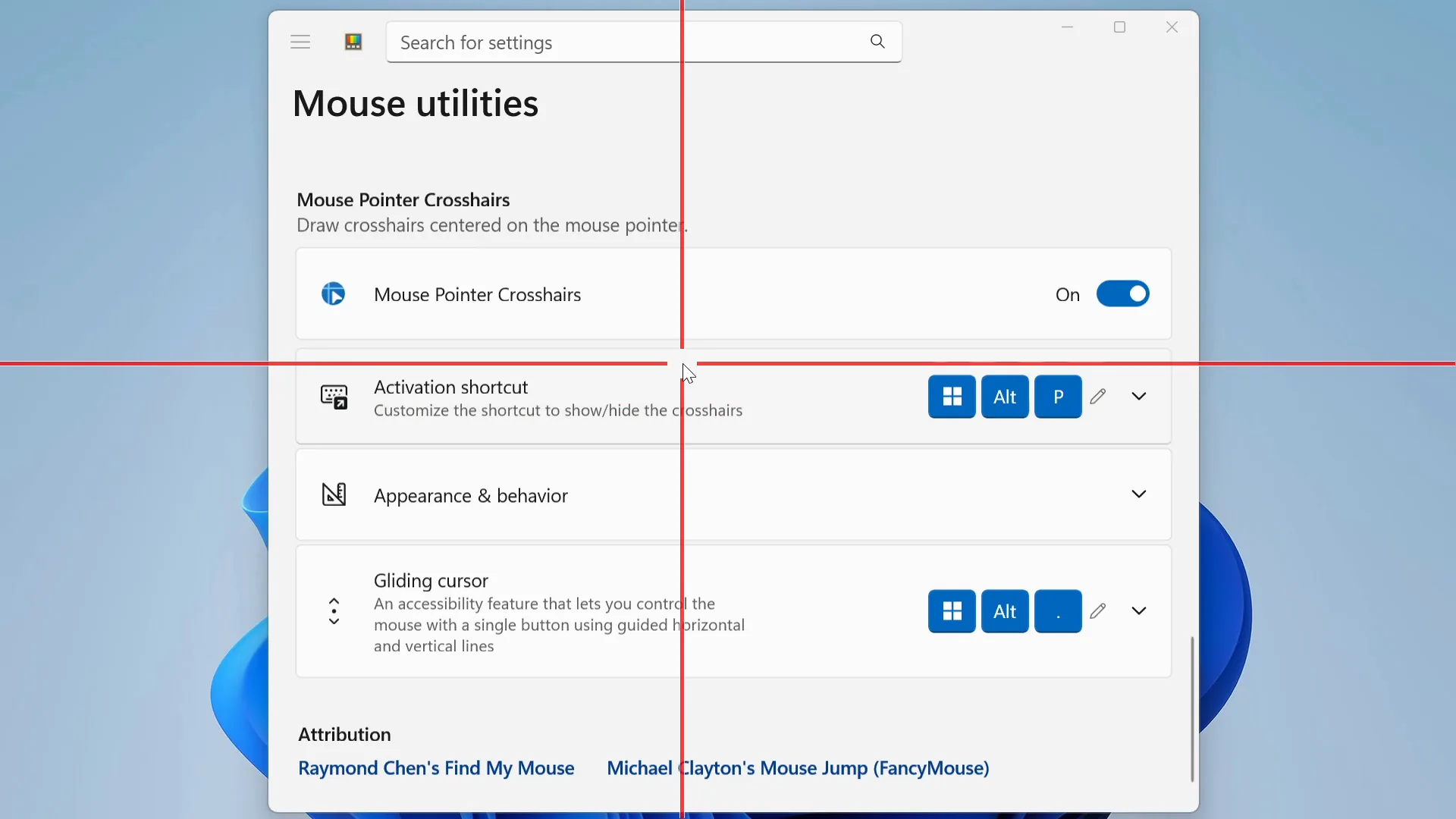
Draw crosshairs centered on the mouse pointer
Alt
P
Preview file
Space
Open Run
Alt
Space
Start measurement
M
Open Shortcut Guide
;
Start text extraction
T
Open editor
Ctrl
'
Utilities
Advanced Paste
Always On Top
Awake
Color Picker
Command Palette
Crop And Lock
CursorWrap
Environment Variables
FancyZones
File Locksmith
Find My Mouse
Grab And Move
Host File Editor
Image Resizer
Keyboard Manager
Light Switch
Mouse Highlight
Mouser Without Borders
New+
Peek
Power Display
PowerRename
PowerToys Run
All Apps
Quck Accent
Registry Preview
Advanced Paste
Shortcut Guide
Text Extractor
Workspaces
ZoomIt
Search for settings
Home
Learn what's new
v0.99.1
Quick Access
Color Picker
Command Palette
Environment Manager
FancyZones
Host File Editor
PowerToys Run
Text Extractor
Registry Editor
Screen Ruler
Shortcut Guide
Workspaces
Shortcuts
Open Advanced Paste window
Ctrl
A
Paste as plain text directly
Ctrl
Alt
V
Activation shortcut
Ctrl
T
Increase opacity
Ctrl
=
Decrease opacity
Ctrl
-
Pick a color
C
Open Command Palette
Alt
Space
Crop and create a thumbnail
Ctrl
T
Crop an app's window into a cropped window
Ctrl
R
Crop an app into a screenshot window
Ctrl
S
Activate zones
Hold Shift Key.
Open editor
'
Draw crosshairs centered on the mouse pointer
Alt
P
Preview file
Space
Open Run
Alt
Space
Start measurement
M
Open Shortcut Guide
;
Start text extraction
T
Open editor
Ctrl
'
Utilities
Advanced Paste
Always On Top
Awake
Color Picker
Command Palette
Crop And Lock
CursorWrap
Environment Variables
FancyZones
File Locksmith
Find My Mouse
Grab And Move
Host File Editor
Image Resizer
Keyboard Manager
Light Switch
Mouse Highlight
Mouser Without Borders
New+
Peek
Power Display
PowerRename
PowerToys Run
All Apps
Quck Accent
Registry Preview
Advanced Paste
Shortcut Guide
Text Extractor
Workspaces
ZoomIt
Search for settings
Home
Learn what's new
v0.99.1
Quick Access
Color Picker
Command Palette
Environment Manager
FancyZones
Host File Editor
PowerToys Run
Text Extractor
Registry Editor
Screen Ruler
Shortcut Guide
Workspaces
Shortcuts
Open Advanced Paste window
Ctrl
A
Paste as plain text directly
Ctrl
Alt
V
Activation shortcut
Ctrl
T
Increase opacity
Ctrl
=
Decrease opacity
Ctrl
-
Pick a color
C
Open Command Palette
Alt
Space
Crop and create a thumbnail
Ctrl
T
Crop an app's window into a cropped window
Ctrl
R
Crop an app into a screenshot window
Ctrl
S
Activate zones
Hold Shift Key.
Open editor
'
Draw crosshairs centered on the mouse pointer
Alt
P
Preview file
Space
Open Run
Alt
Space
Start measurement
M
Open Shortcut Guide
;
Start text extraction
T
Open editor
Ctrl
'
Utilities
Advanced Paste
Always On Top
Awake
Color Picker
Command Palette
Crop And Lock
CursorWrap
Environment Variables
FancyZones
File Locksmith
Find My Mouse
Grab And Move
Host File Editor
Image Resizer
Keyboard Manager
Light Switch
Mouse Highlight
Mouser Without Borders
New+
Peek
Power Display
PowerRename
PowerToys Run
All Apps
Quck Accent
Registry Preview
Advanced Paste
Shortcut Guide
Text Extractor
Workspaces
ZoomIt

Mouse Without Borders
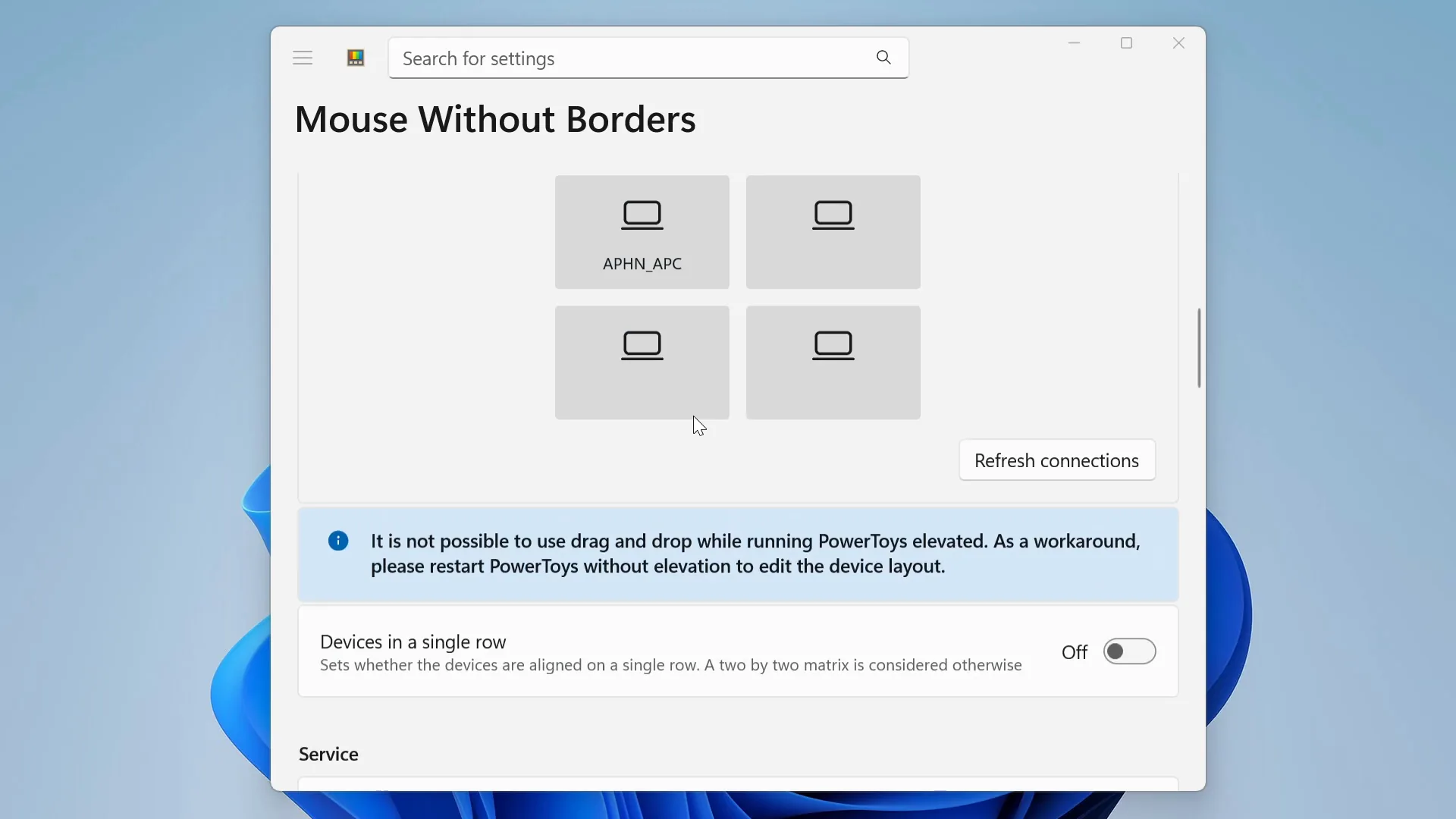
Work seamlessly across multiple devices with one mouse & keyboard.
More than pairing your input peripherals with multiple devices, Mouse Without Borders allows you to fully control, share clipboard and transfer files across up to 4 Windows machines.
More than pairing your input peripherals with multiple devices, Mouse Without Borders allows you to fully control, share clipboard and transfer files across up to 4 Windows machines.
Mouse Without Borders
Work seamlessly across multiple devices with one mouse & keyboard.
More than pairing your input peripherals with multiple devices, Mouse Without Borders allows you to fully control, share clipboard and transfer files across up to 4 Windows machines.




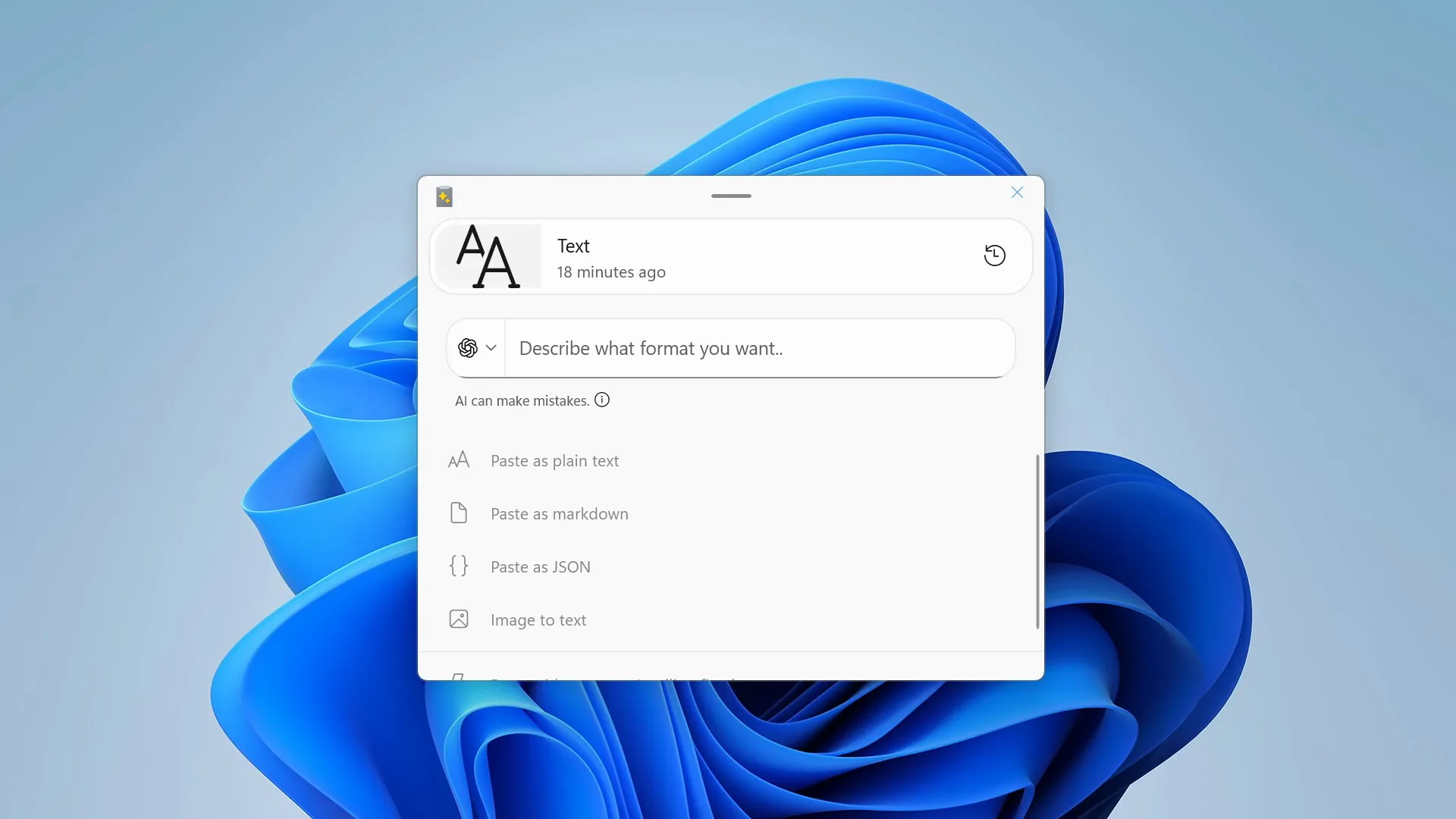
Advanced Paste
Power Up your clipboard with custom AI prompts
Power Up your clipboard with custom AI prompts
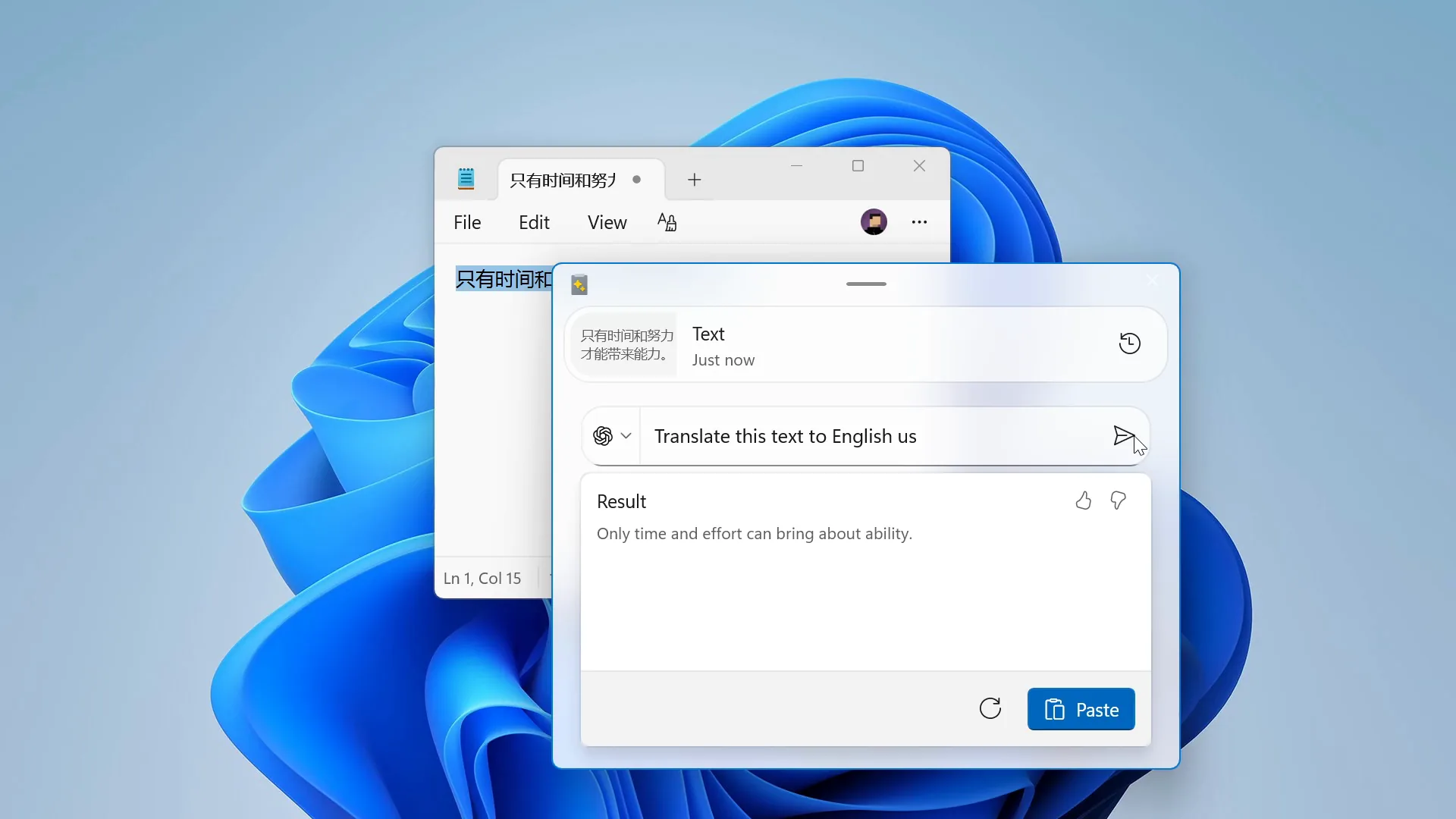
Advanced Paste lets you instantly send your clipboard content with custom instructions to your favorite LLM provider via local or cloud API endpoints. Get easy access to features like summarization, translation, styling, and more.
Advanced Paste lets you instantly send your clipboard content with custom instructions to your favorite LLM provider via local or cloud API endpoints. Get easy access to features like summarization, translation, styling, and more.
Advanced Paste lets you instantly send your clipboard content with custom instructions to your favorite LLM provider via local or cloud API endpoints. Get easy access to features like summarization, translation, styling, and more.
Note: API usage fees may apply. Track your usage on your provider’s API console.
Note: API usage fees may apply. Track your usage on your provider’s API console.
Advanced Paste
Power Up your clipboard with custom AI prompts
Advanced Paste lets you instantly send your clipboard content with custom instructions to your favorite LLM provider via local or cloud API endpoints. Get easy access to features like summarization, translation, styling, and more.
Note: API usage fees may apply. Track your usage on your provider’s API console.





Workspaces
Your daily apps stack and layout, ready to go.
Your daily apps stack and layout, ready to go.
Workspaces launches your go-to set of apps in their saved positions and sizes with a single click—so your whole desktop is arranged and ready the moment you start.
Workspaces launches your go-to set of apps in their saved positions and sizes with a single click—so your whole desktop is arranged and ready the moment you start.
Workspaces launches your go-to set of apps in their saved positions and sizes with a single click—so your whole desktop is arranged and ready the moment you start.
Workspaces
Your daily apps stack and layout, ready to go.
Workspaces launches your go-to set of apps in their saved positions and sizes with a single click—so your whole desktop is arranged and ready the moment you start.
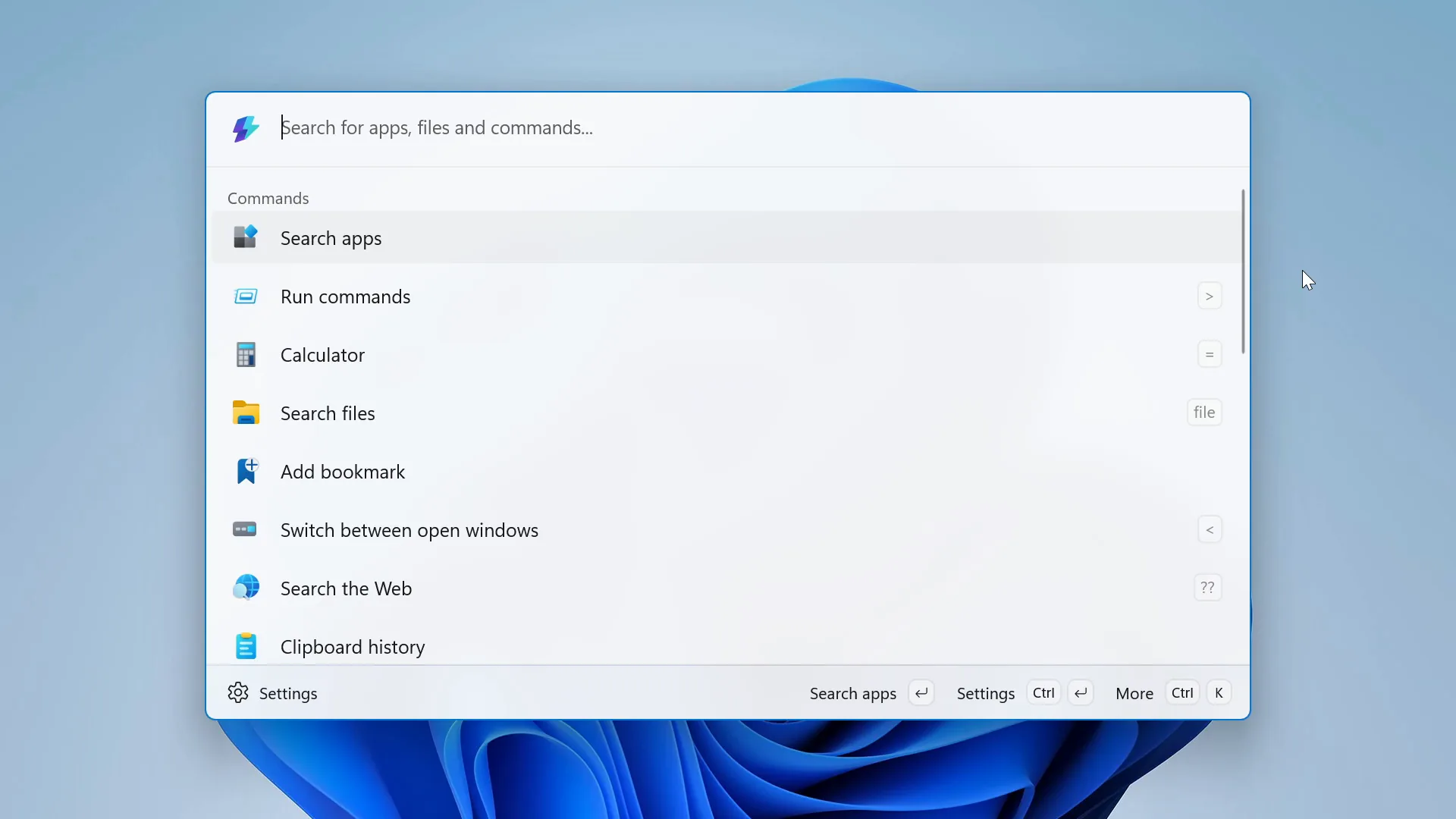
Command Palette
Everything right at your fingertips
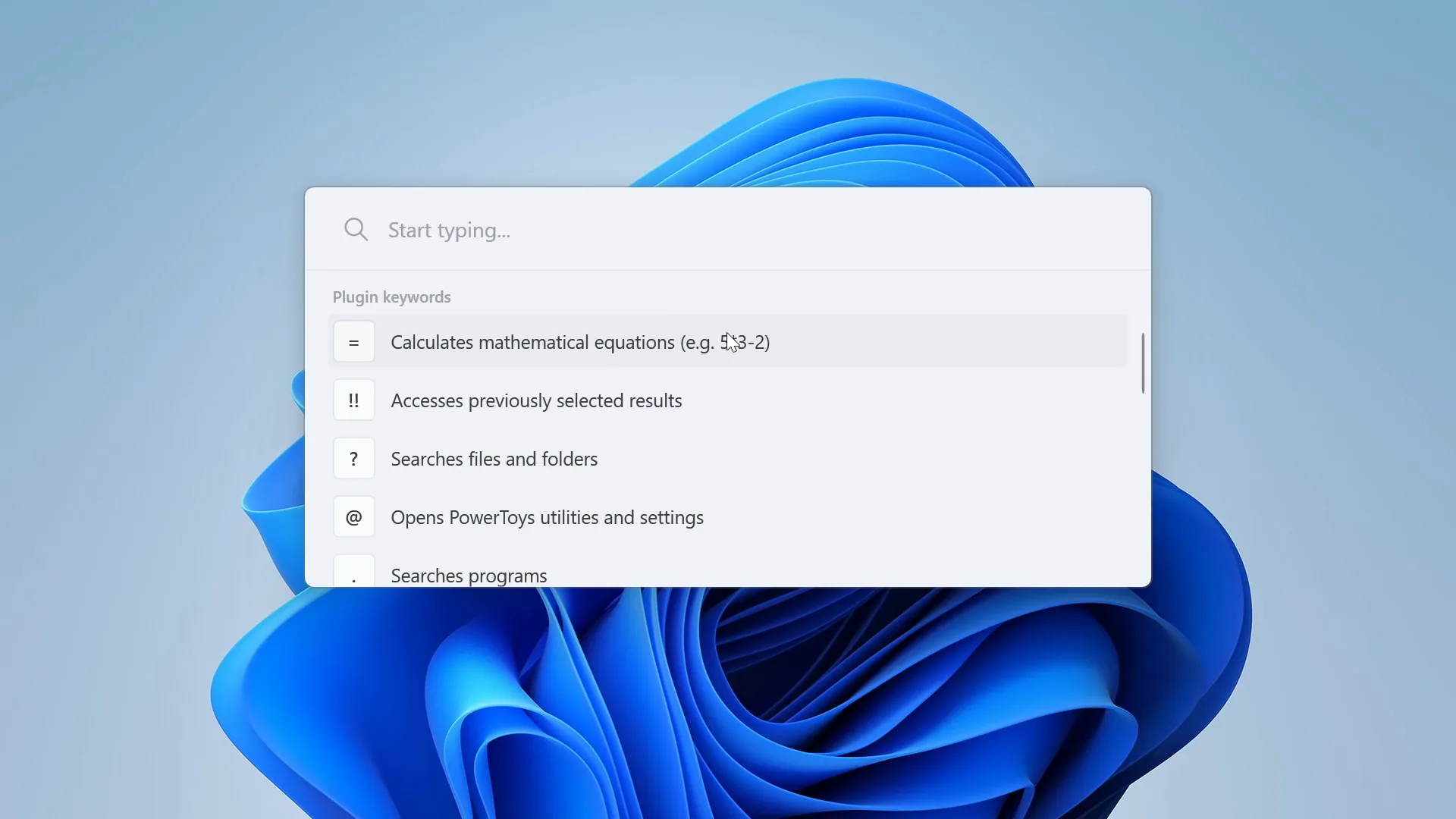
Command Palette brings a single, keyboard-summoned launcher to your fingertips: search apps and files, run commands, do quick calculations, and jump anywhere on your PC without touching the mouse.
Command Palette brings a single, keyboard-summoned launcher to your fingertips: search apps and files, run commands, do quick calculations, and jump anywhere on your PC without touching the mouse.
Command Palette
Everything right at your fingertips
Command Palette brings a single, keyboard-summoned launcher to your fingertips: search apps and files, run commands, do quick calculations, and jump anywhere on your PC without touching the mouse.
All features
Check out all the ways you can enhance your experience.
Whether you're using Windows for entertainment, education, or work, PowerToys offers a powerful suite of tools designed to supercharge your daily routine.
Whether you're using Windows for entertainment, education, or work, PowerToys offers a powerful suite of tools designed to supercharge your daily routine.
All features
Check out all the ways you can enhance your experience.
Whether you're using Windows for entertainment, education, or work, PowerToys offers a powerful suite of tools designed to supercharge your daily routine.
System Tools
Windowing & Layouts
Input & Output
File Management
Advanced
Advanced Paste
One clipboard, many formats. Paste content as plain text, JSON, Markdown, or files, with optional AI-powered conversions when you bring your own key or run a local model.
Awake
Command Palette
Color Picker
Light Switch
PowerToys Run
Screen Ruler
Shortcut Guide
Text Extractor
ZoomIt
System Tools
Windowing & Layouts
Input & Output
File Management
Advanced
Advanced Paste
One clipboard, many formats. Paste content as plain text, JSON, Markdown, or files, with optional AI-powered conversions when you bring your own key or run a local model.
Awake
Command Palette
Color Picker
Light Switch
PowerToys Run
Screen Ruler
Shortcut Guide
Text Extractor
ZoomIt
System Tools
Windowing & Layouts
Input & Output
File Management
Advanced
Advanced Paste
One clipboard, many formats. Paste content as plain text, JSON, Markdown, or files, with optional AI-powered conversions when you bring your own key or run a local model.
Awake
Command Palette
Color Picker
Light Switch
PowerToys Run
Screen Ruler
Shortcut Guide
Text Extractor
ZoomIt
System Tools
Windowing & Layouts
Input & Output
File Management
Advanced
Advanced Paste
One clipboard, many formats. Paste content as plain text, JSON, Markdown, or files, with optional AI-powered conversions when you bring your own key or run a local model.
Awake
Command Palette
Color Picker
Light Switch
PowerToys Run
Screen Ruler
Shortcut Guide
Text Extractor
ZoomIt
Get started
Start powering up
your Windows
Start
powering up your Windows
Easily install PowerToys through the Microsoft Store or download the latest releases directly from GitHub.
Download at
Get started
Start powering up your Windows
Easily install PowerToys through the Microsoft Store or download the latest releases directly from GitHub.
Download at
Have the perfect idea for a new PowerToys utility?
Check all the ways you can contribute to the PowerToys project on the Microsoft Learn page and join over 600 contributors dedicated to enhancing Windows for everyone.
Have the perfect idea for a new PowerToys utility?
Check all the ways you can contribute to the PowerToys project on the Microsoft Learn page and join over 600 contributors dedicated to enhancing Windows for everyone.
Check all FAQ, information and updates about PowerToys.
Explore the official PowerToys documentation on Microsoft Learn for installation guides, tutorials, examples, and more.
Check all FAQ, information and updates about PowerToys.
Explore the official PowerToys documentation on Microsoft Learn for installation guides, tutorials, examples, and more.
Special Thanks to
PowerToys Team & Community
❤️💛💚💙
Special Thanks to
PowerToys Team & Community
❤️💛💚💙
"/><stop offset="1" stop-color="rgb(205, 45, 27)"/></linearGradient><linearGradient id="EzHxEkmDk-191111582-linear-gradient" x1="0.49751243781094523" x2="0.5024875621890548" y1="0" y2="1"><stop offset="0" stop-color="rgb(121, 183, 78)"/><stop offset="1" stop-color="rgb(91, 169, 53)"/></linearGradient><linearGradient id="qGcvgGQXw-191111582-linear-gradient" x1="0.49751243781094523" x2="0.5024875621890548" y1="0" y2="1"><stop offset="0" stop-color="rgb(255, 227, 1)"/><stop offset="1" stop-color="rgb(255, 174, 0)"/></linearGradient><linearGradient id="DPOV4Fxo2-191111582-linear-gradient" x1="0.49751243781094523" x2="0.5024875621890548" y1="0" y2="1"><stop offset="0" stop-color="rgb(12, 148, 213)"/><stop offset="1" stop-color="rgb(1, 104, 178)"/></linearGradient></defs><g opacity="0.16"><g d="M 211.591 548.493 C 168.752 547.698 123.377 548.405 80.353 548.449 L 47.751 548.514 C 34.004 548.547 19.713 550.31 9.195 539.403 C 1.222 531.119 0.198 523.455 0.098 512.57 L 0.091 187.551 L 0.045 80.976 L 0.03 47.492 C 0.03 41.967 -0.152 33.143 0.376 27.806 C 1.128 20.619 4.377 13.924 9.56 8.89 C 20.49 -1.814 32.639 0.165 46.609 0.206 L 82.161 0.304 L 211.69 0.227 Z M 626.686 0.265 L 626.729 548.413 L 415.454 548.522 L 415.472 0.23 Z M 419.236 0.23 L 419.217 548.522 L 207.768 548.5 L 207.867 0.237 Z M 622.933 548.417 L 622.89 0.262 L 754.74 0.26 L 789.308 0.187 C 791.071 0.181 792.856 0.138 794.663 0.095 C 805.939 -0.175 817.705 -0.458 826.074 8.259 C 834.14 16.658 834.651 25.187 834.673 36.111 C 834.695 47.451 834.695 58.805 834.684 70.156 L 834.684 74.963 L 834.684 75.021 L 834.684 81.542 L 834.64 190.021 L 834.586 406.22 C 834.586 416.216 834.586 426.211 834.586 436.207 L 834.586 440.51 C 834.597 464.969 834.597 489.427 834.564 513.898 C 834.553 524.294 833.813 532.644 825.9 540.46 C 817.073 549.19 804.72 548.896 792.889 548.613 C 790.886 548.569 788.894 548.515 786.935 548.515 L 748.536 548.461 C 733.843 548.45 719.073 548.493 704.292 548.537 C 677.125 548.624 649.893 548.711 622.933 548.417 Z" fill="transparent" height="548.71419221015px" id="nEjxb9tes" width="834.6909773744708px"><path d="M 211.591 548.456 C 168.752 547.661 123.377 548.369 80.353 548.413 L 47.751 548.478 C 34.004 548.511 19.713 550.274 9.195 539.367 C 1.222 531.082 0.198 523.419 0.098 512.533 L 0.091 187.515 L 0.045 80.94 L 0.03 47.455 C 0.03 41.931 -0.152 33.107 0.376 27.769 C 1.128 20.583 4.377 13.888 9.56 8.853 C 20.49 -1.851 32.639 0.128 46.609 0.17 L 82.161 0.268 L 211.69 0.19 Z" fill="url(%23PsXFaRMgq-191111582-linear-gradient)" height="548.6019213424386px" id="PsXFaRMgq" transform="translate(0 0.036)" width="211.69022969356683px"/><path d="M 211.232 0.035 L 211.276 548.183 L 0 548.292 L 0.019 0 Z" fill="url(%23EzHxEkmDk-191111582-linear-gradient)" height="548.2919240986412px" id="EzHxEkmDk" transform="translate(415.454 0.23)" width="211.27579090584686px"/><path d="M 211.467 0 L 211.449 548.292 L 0 548.27 L 0.099 0.008 Z" fill="url(%23qGcvgGQXw-191111582-linear-gradient)" height="548.2919240986412px" id="qGcvgGQXw" transform="translate(207.768 0.23)" width="211.46735122194696px"/><path d="M 0.044 548.417 L 0 0.262 L 131.85 0.26 L 166.418 0.187 C 168.181 0.181 169.966 0.138 171.773 0.095 C 183.049 -0.175 194.815 -0.458 203.185 8.259 C 211.25 16.658 211.761 25.187 211.783 36.111 C 211.805 47.451 211.805 58.805 211.794 70.156 L 211.794 74.963 L 211.794 75.021 L 211.794 81.542 L 211.75 190.021 L 211.696 406.22 C 211.696 416.216 211.696 426.211 211.696 436.207 L 211.696 440.51 C 211.707 464.969 211.707 489.427 211.674 513.898 C 211.663 524.294 210.923 532.644 203.01 540.46 C 194.183 549.19 181.83 548.896 169.999 548.613 C 167.996 548.569 166.004 548.515 164.045 548.515 L 125.646 548.461 C 110.953 548.45 96.183 548.493 81.402 548.537 C 54.236 548.624 27.003 548.711 0.044 548.417 Z" fill="url(%23DPOV4Fxo2-191111582-linear-gradient)" height="548.7141922157119px" id="DPOV4Fxo2" transform="translate(622.89 0)" width="211.8010237611895px"/></g></g></svg>)

@betsegaw

@bricelam

@bzoz

@cgaarden

@chatasweetie

@chemwolf6922

@chenmy77

@chrdavis

@cinnamon-msft

@CleanCodeDeveloper

@craigloewen-msft

@crutkas

@damienleroy

@daverayment

@davidegiacometti

@dend

@dhowett

@donlaci

@drawbyperpetual
@enricogior

@ethanfangg

@franky920920

@gokcekantarci

@haoliuu
@betsegaw
@bricelam
@bzoz
@cgaarden
@chatasweetie
@chemwolf6922
@chenmy77
@chrdavis
@cinnamon-msft
@CleanCodeDeveloper
@craigloewen-msft
@crutkas
@damienleroy
@daverayment
@davidegiacometti
@dend
@dhowett
@donlaci
@drawbyperpetual
@enricogior
@ethanfangg
@franky920920
@gokcekantarci
@haoliuu
@betsegaw
@bricelam
@bzoz
@cgaarden
@chatasweetie
@chemwolf6922
@chenmy77
@chrdavis
@cinnamon-msft
@CleanCodeDeveloper
@craigloewen-msft
@crutkas
@damienleroy
@daverayment
@davidegiacometti
@dend
@dhowett
@donlaci
@drawbyperpetual
@enricogior
@ethanfangg
@franky920920
@gokcekantarci
@haoliuu

@indierawk2k2

@ivan100sic

@jaimecbernardo

@jamrobot

@Jay-o-Way

@Jaylyn-Barbee

@jefflord

@jiripolasek
@jjw24

@joadoumie
@jsoref

@khmyznikov

@lei9444

@mantaionut

@martinchrzan

@MichaelJolley

@mikeclayton

@moooyo

@mykhailopylyp

@niels9001

@Noraa-Junker

@oldnewthing

@pedrolamas

@PesBandi
@indierawk2k2
@ivan100sic
@jaimecbernardo
@jamrobot
@Jay-o-Way
@Jaylyn-Barbee
@jefflord
@jiripolasek
@jjw24
@joadoumie
@jsoref
@khmyznikov
@lei9444
@mantaionut
@martinchrzan
@MichaelJolley
@mikeclayton
@moooyo
@mykhailopylyp
@niels9001
@Noraa-Junker
@oldnewthing
@pedrolamas
@PesBandi
@indierawk2k2
@ivan100sic
@jaimecbernardo
@jamrobot
@Jay-o-Way
@Jaylyn-Barbee
@jefflord
@jiripolasek
@jjw24
@joadoumie
@jsoref
@khmyznikov
@lei9444
@mantaionut
@martinchrzan
@MichaelJolley
@mikeclayton
@moooyo
@mykhailopylyp
@niels9001
@Noraa-Junker
@oldnewthing
@pedrolamas
@PesBandi

@plante-msft
@randyrants

@riverar

@robmikh

@royvou

@SeraphimaZykova

@shuaiyuanxx

@snickler

@stefansjfw
@taras-janea

@TheJoeFin

@TheMrJukes

@ThiefZero

@TobiasSekan

@urnotdfs

@vanzue

@wang563681252

@yaqingmi

@yeelam-gordon

@yuyoyuppe

@zadjii-msft

@zateutsch

@zhaopy536

@zhaoqpcn
@plante-msft
@randyrants
@riverar
@robmikh
@royvou
@SeraphimaZykova
@shuaiyuanxx
@snickler
@stefansjfw
@taras-janea
@TheJoeFin
@TheMrJukes
@ThiefZero
@TobiasSekan
@urnotdfs
@vanzue
@wang563681252
@yaqingmi
@yeelam-gordon
@yuyoyuppe
@zadjii-msft
@zateutsch
@zhaopy536
@zhaoqpcn
@plante-msft
@randyrants
@riverar
@robmikh
@royvou
@SeraphimaZykova
@shuaiyuanxx
@snickler
@stefansjfw
@taras-janea
@TheJoeFin
@TheMrJukes
@ThiefZero
@TobiasSekan
@urnotdfs
@vanzue
@wang563681252
@yaqingmi
@yeelam-gordon
@yuyoyuppe
@zadjii-msft
@zateutsch
@zhaopy536
@zhaoqpcn
Official Microsoft
Source Code & Community
Press & Coverage
About This Site
2026 | Independent project | Not affiliated with Microsoft
Disclaimer
This is an independent, non-commercial personal project created for educational, self-improvement, and portfolio purposes. It is not affiliated with, endorsed by, or sponsored by Microsoft Corporation in any way.
All product names, logos, trademarks, and descriptions (including "PowerToys" and the Microsoft name) are the property, of Microsoft Corporation. Their use here is for identification and informational purposes only, and does not imply any association with or approval by Microsoft.
All information, descriptions, and assets presented on this site were sourced from Microsoft's official documentation, public GitHub repository (licensed under the MIT License), the Microsoft Store, and other publicly available and trusted sources, in accordance with their respective Terms of Use and open-source license terms.
This site does not claim ownership over any Microsoft intellectual property and does not use tracking cookies or collect personal data (only Framer's anonymous, cookieless analytics), sell products, or generate revenue.
Official Microsoft
Source Code & Community
Press & Coverage
About This Site
2026 | Independent project | Not affiliated with Microsoft
Disclaimer
This is an independent, non-commercial personal project created for educational, self-improvement, and portfolio purposes. It is not affiliated with, endorsed by, or sponsored by Microsoft Corporation in any way.
All product names, logos, trademarks, and descriptions (including "PowerToys" and the Microsoft name) are the property, of Microsoft Corporation. Their use here is for identification and informational purposes only, and does not imply any association with or approval by Microsoft.
All information, descriptions, and assets presented on this site were sourced from Microsoft's official documentation, public GitHub repository (licensed under the MIT License), the Microsoft Store, and other publicly available and trusted sources, in accordance with their respective Terms of Use and open-source license terms.
This site does not claim ownership over any Microsoft intellectual property and does not use tracking cookies or collect personal data (only Framer's anonymous, cookieless analytics), sell products, or generate revenue.
Official Microsoft
Source Code & Community
Press & Coverage
About This Site
2026 | Independent project | Not affiliated with Microsoft
Disclaimer
This is an independent, non-commercial personal project created for educational, self-improvement, and portfolio purposes. It is not affiliated with, endorsed by, or sponsored by Microsoft Corporation in any way.
All product names, logos, trademarks, and descriptions (including "PowerToys" and the Microsoft name) are the property, of Microsoft Corporation. Their use here is for identification and informational purposes only, and does not imply any association with or approval by Microsoft.
All information, descriptions, and assets presented on this site were sourced from Microsoft's official documentation, public GitHub repository (licensed under the MIT License), the Microsoft Store, and other publicly available and trusted sources, in accordance with their respective Terms of Use and open-source license terms.
This site does not claim ownership over any Microsoft intellectual property and does not use tracking cookies or collect personal data (only Framer's anonymous, cookieless analytics), sell products, or generate revenue.
Official Microsoft
Source Code & Community
Press & Coverage
About This Site
2026 | Independent project | Not affiliated with Microsoft
Disclaimer
This is an independent, non-commercial personal project created for educational, self-improvement, and portfolio purposes. It is not affiliated with, endorsed by, or sponsored by Microsoft Corporation in any way.
All product names, logos, trademarks, and descriptions (including "PowerToys" and the Microsoft name) are the property, of Microsoft Corporation. Their use here is for identification and informational purposes only, and does not imply any association with or approval by Microsoft.
All information, descriptions, and assets presented on this site were sourced from Microsoft's official documentation, public GitHub repository (licensed under the MIT License), the Microsoft Store, and other publicly available and trusted sources, in accordance with their respective Terms of Use and open-source license terms.
This site does not claim ownership over any Microsoft intellectual property and does not use tracking cookies or collect personal data (only Framer's anonymous, cookieless analytics), sell products, or generate revenue.
Testimonials
Check how PowerToys transforms daily workflows
Check how PowerToys
transforms daily workflows
PowerToys utilities are allowing users
to work more efficiently than ever before!
PowerToys utilities are allowing users
to work more efficiently than ever before!
Testimonials
Check how PowerToys transforms daily workflows
PowerToys utilities are allowing users
to work more efficiently than ever before!
"PowerToys is free, convenient, and available to Windows users. It's a must-have, and it just keeps getting better."
Mark Hachman
Senior Editor @ PCWorld
"PowerToys is free, convenient, and available to Windows users. It's a must-have, and it just keeps getting better."
Mark Hachman
Senior Editor @ PCWorld
"PowerToys is free, convenient, and available to Windows users. It's a must-have, and it just keeps getting better."
Mark Hachman
Senior Editor @ PCWorld
"A must-have for anyone with lots of big monitors"
Nick Evanson
Hardware Writer @ PC GAMER
"A must-have for anyone with lots of big monitors"
Nick Evanson
Hardware Writer @ PC GAMER
"A must-have for anyone with lots of big monitors"
Nick Evanson
Hardware Writer @ PC GAMER
"FancyZones is a true lifesaver for productivity on large monitors"
João Carrasqueira
Lead Windows Editor @ XDA-Developers
"FancyZones is a true lifesaver for productivity on large monitors"
João Carrasqueira
Lead Windows Editor @ XDA-Developers
"FancyZones is a true lifesaver for productivity on large monitors"
João Carrasqueira
Lead Windows Editor @ XDA-Developers
"Fantastic open-source and community led project [...]. Should absolutely be added to Windows by default."
undeniably_lizard
User @ AlternativeTo
"Fantastic open-source and community led project [...]. Should absolutely be added to Windows by default."
undeniably_lizard
User @ AlternativeTo
"Fantastic open-source and community led project [...]. Should absolutely be added to Windows by default."
undeniably_lizard
User @ AlternativeTo
"Sensational! The features are incredible, they truly improve the Windows experience by 100%."
Alexandre
User @ Microsoft Store
"Sensational! The features are incredible, they truly improve the Windows experience by 100%."
Alexandre
User @ Microsoft Store
"Sensational! The features are incredible, they truly improve the Windows experience by 100%."
Alexandre
User @ Microsoft Store
Installs from Microsoft Store
Installs from Microsoft Store
Star rating from over 3,320 users
Star rating from over 3,320 users
Downloads from GitHub
Downloads from GitHub